
Walkthrough of the Prisco Provisioning System
Prisco automates away the manual work of bringing a switch online. Here's how it's built.

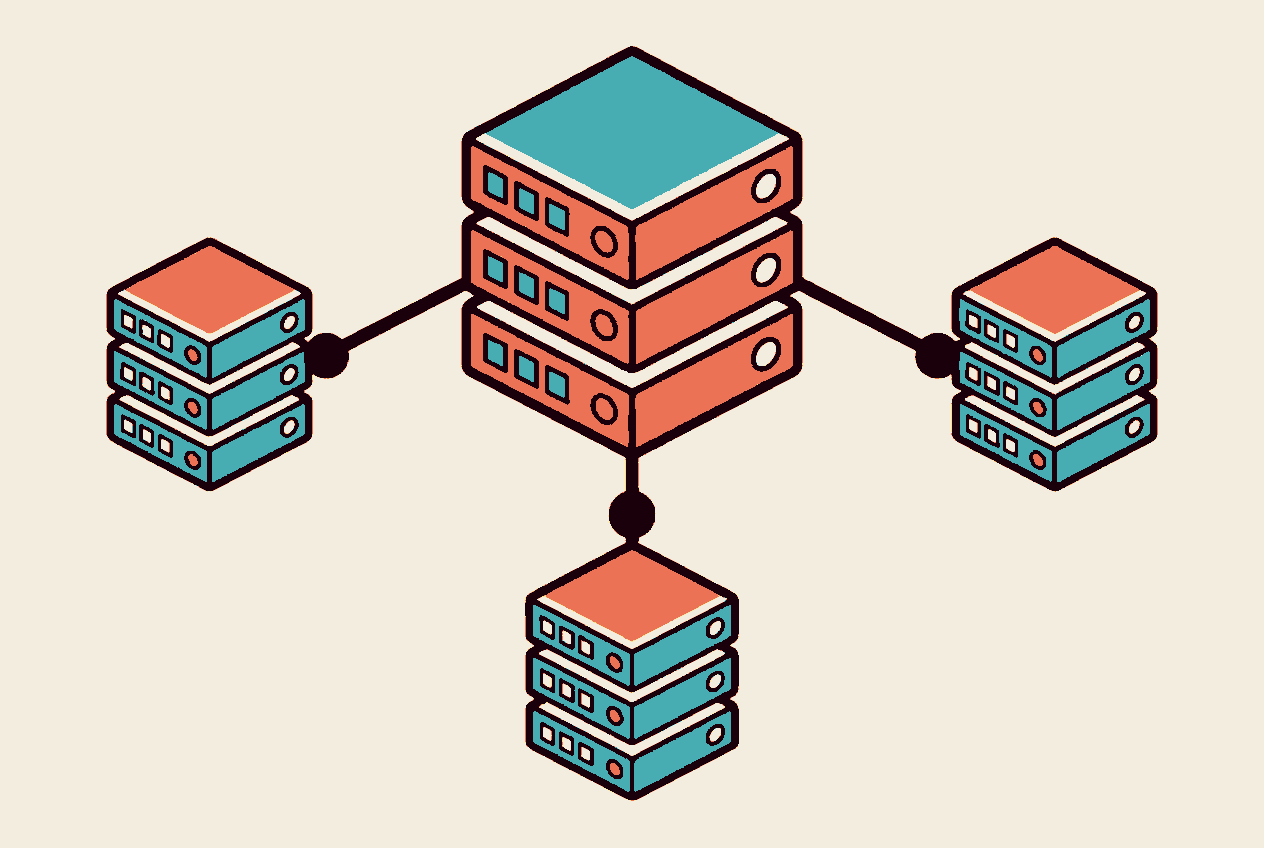
Today we're going through our Zero Touch system Prisco – and why Zero/One Touch provisioning saves so much time.
The Goal
Automate away the manual process of bringing a switch online. The field technician should be able to do the job without prior configuration knowledge.
Architecture
Prisco runs as three containers:
WEB
Graphical user interface and REST API. Handles provisioning and verification. Also takes a backup of running-config on all switches at 03:00 every night (adjustable via cron in the Dockerfile).
DHCP
ISC DHCP that handles the initial communication with the switch and points to where the configuration is fetched from.
TFTP
Serves the configuration files that the switches retrieve when they bootstrap.
The Flow
- New switch is powered on.
- Gets IP + option 150 from DHCP.
- Retrieves config via TFTP.
- The WEB container reaches the switch via SSH and completes the provisioning.
- Backup runs according to schedule.
Result: a switch is operational in minutes instead of hours, and all configuration is versioned and backed up automatically.


Kubernetes, platform build or migration? I'll connect you with the right specialist right away.
Related articles
Mapping 120,000 devices: how we built a network discovery platform that keeps up
How we built a network discovery platform tracking over 120,000 devices: DNS zone transfers, Temporal, SNMP templates, MongoDB, topology from MAC tables, Jaeger, and a versioned FastAPI.
From Git to VM – how we build self-service with Proxmox and Crossplane
Proxmox, Crossplane and GitOps as the foundation for self-service on your own infrastructure. Read about Petter's PoC, what works today and the next steps.
Building a Kubernetes Platform Without Vendor Lock-In
How do you build a container platform that can evolve over time? Brian Levinsen discusses solution design, OpenShift, GitOps, and minimizing vendor dependencies.